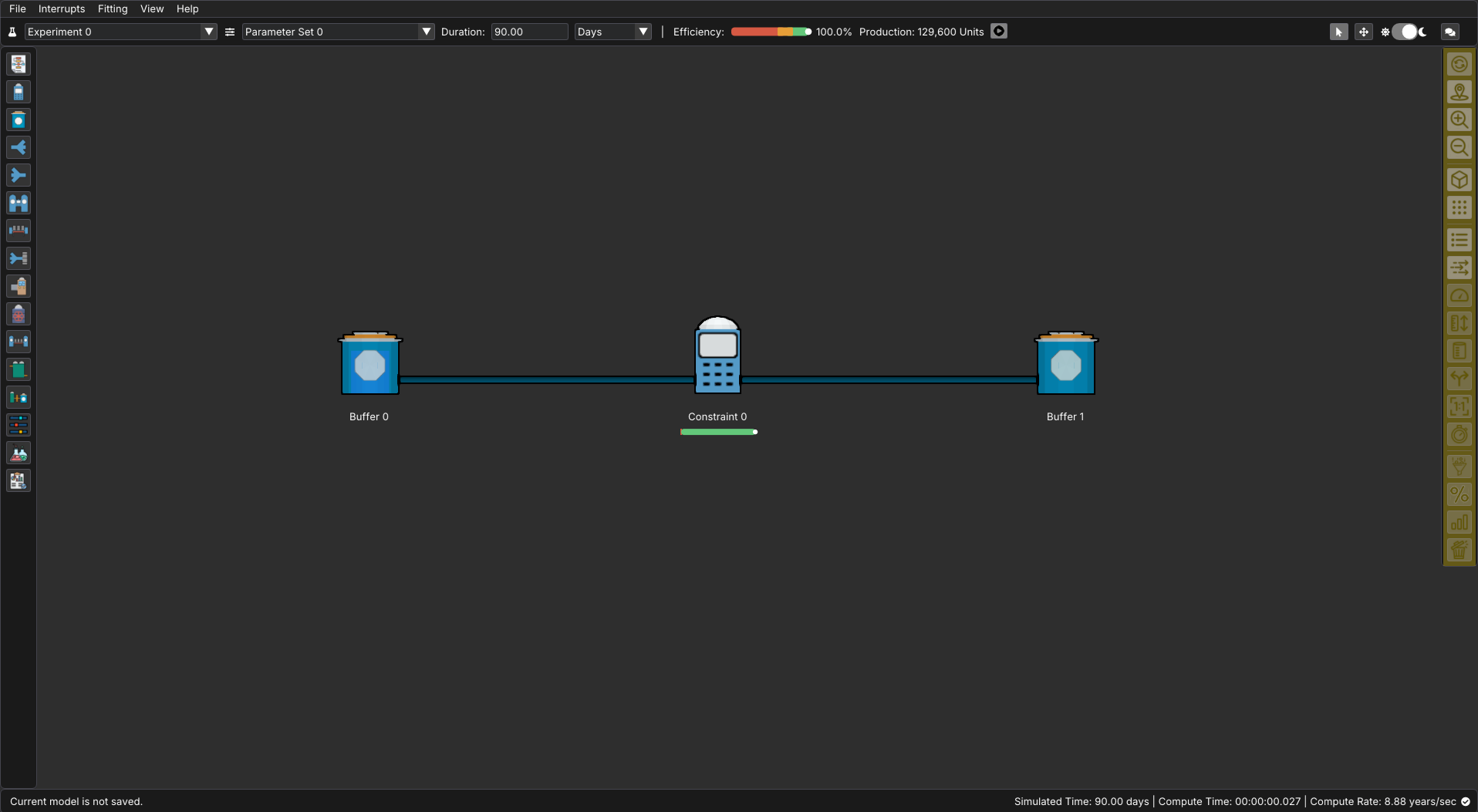
The right navigation bar controls how your model is displayed and what information appears directly on the flowchart.
Use this panel to:
- Adjust zoom and view mode (2D or 3D)
- Toggle grid visibility and node labels
- Enable flow direction animations
- Show or hide performance indicators such as throughput, availability, capacities, volumes, and interrupts
These controls allow you to tailor the visual presentation of your model depending on what you are investigating—whether you are aligning layout, inspecting flow behavior, or reviewing performance metrics.
The icons and their functions are as follows:
| Icon | Name | Description |
|---|---|---|
 |
Auto Refresh | Toggles whether values displayed under nodes will be automatically updated |
 |
Center Focus | Adjusts the screen to center on the original starting point of the model |
  |
Zoom In / Zoom Out | Increases or Decreases the magnification of the model. |
  |
3D View / 2D View | Switches between a 3D orthographic view and a 2D side view |
  |
Show Grid / Hide Grid | Toggles the display of a grid of dots for the purpose of easy spacing and alignment |
 |
Node Names | Toggles the display of the names of nodes underneath them |
 |
Connection Direction Animation | Toggles flowing highlights that indicate the direction of material flow |
 |
Limits | Toggles the display of the limits under nodes when applicable |
 |
Capacities | Toggles the display of the capacity under nodes when applicable |
 |
Initial Volumes | Toggles the display of the initial volume under nodes when applicable |
 |
Split / Merge Types | Toggles the display of split/merge information under nodes when applicable |
 |
Conversion Ratios | Toggles the display of the conversion ratios under nodes when applicable |
 |
Interrupt Count | Toggles the display of the interrupt count under nodes when applicable |
 |
Throughput | Toggles the display of the throughput under nodes when applicable |
 |
Availability / Efficiency | Toggles the display of the availability or efficiency under nodes when applicable |
 |
Final Volumes | Toggles the display of the final volume under nodes when applicable |
 |
Scrap | Toggles the display of scrap information under nodes when applicable |